



:quality(85):upscale()/2025/11/10/782/n/49351757/8170ecd6691224df8bd1d7.49547606_.png)
:quality(85):upscale()/2025/11/21/894/n/24155406/f08298fe6920cb78a61ca3.64427622_.jpg)
:quality(85):upscale()/2025/10/31/699/n/24155406/907a28006904d9f5870b34.67078517_.png)
:quality(85):upscale()/2025/11/26/724/n/1922153/364868b6692729990f9002.05869709_.png)










This is exactly what I would do if I wanted a website this Cyber Monday: checkout and page building advice
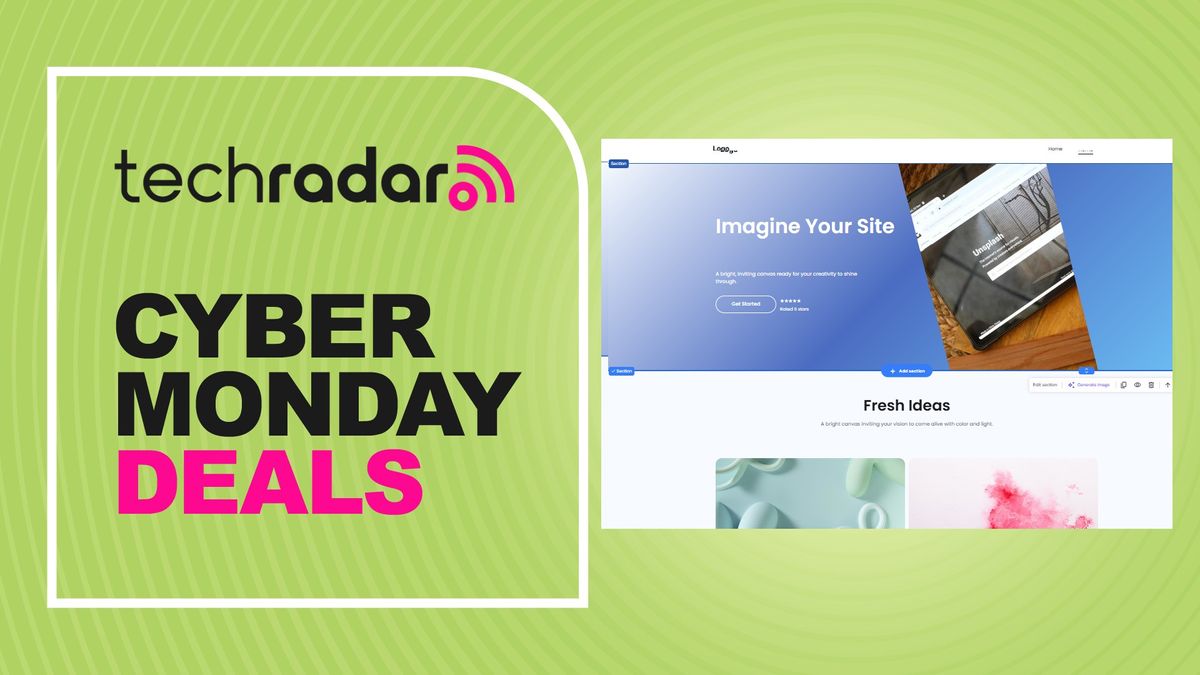

I've spent years building and hosting websites - and I've review and test the best web hosting providers. If I wanted to build a site today this is exactly what I would buy and how I would do it - including how to get the best website possible for the lowest price.
Your options
Term length
I'd go all-in and get the biggest discount on the longest plan. The difference between the 24 month plan and the 48 month plan is $50 in total. If you decided to get the shorter plan the additional two years would cost you around $250 if you wanted to renew. So, I'd just absorb the $50 now. Businesses take a lot of work to get off the ground in the first few years too. I wouldn't want to spend that time managing renewal or migration. I'd want to be focusing on my business.
Also, with our
you can save an additional 15% off at checkout on 48 month plans.
Page building
I'd use the AI website builder for WordPress, like I have before, because it makes building a beautiful and unique site super easy.
You could use the Hostinger Website Builder, that is easier to use than WordPress (I think), but you cannot move a site built on this platform to other hosts without exporting the content, which adds extra work. So, while also a good option, I would persevere with WordPress for the long term.
Domains
This plan comes with a free domain for one year but you also have the option to use your own. You don't need to be very technical to use your own - but it could be a hassle, especially when it comes to syncing it with your email. However, it does have some benefits:
- You can find a better deal buying a longer plan with one of the best domain registrars
- You can usually find a cheaper renewal price after the first year
- All your eggs are not in one basket. In a scenario where you cannot access your Hostinger account you will still have access to your website address (having access to your domain means you can recreate your site and host it elsewhere under the same name). It's unlikely, but worth a thought.
I can see the best of both worlds here. It's very, very easy just to buy the domain with Hostinger. Personally, I'd look elsewhere but I do have the experience of knowing how to do it. The savings are not that significant. So, if this makes you nervous, just get it with Hostinger.
Add-ons at checkout
Hostinger has automatically included some free add-ons:
- 2 mail boxes
- Email marketing
There is no option to remove the email boxes or email marketing at checkout but you do have the choice to use Hostinger Reach: Hostinger's AI email marketing tool. I've never used this tool and I don't do marketing for businesses, so I wouldn't want to recommend either way here. The choice is yours.
This is everything you need to start a website
You may also want to check out the best Cyber Monday web hosting deals
Sign up to the TechRadar Pro newsletter to get all the top news, opinion, features and guidance your business needs to succeed!
James is a tech journalist covering interconnectivity and digital infrastructure as the web hosting editor at TechRadar Pro. James stays up to date with the latest web and internet trends by attending data center summits, WordPress conferences, and mingling with software and web developers. At TechRadar Pro, James is responsible for ensuring web hosting pages are as relevant and as helpful to readers as possible and is also looking for the best deals and coupon codes for web hosting.
What's Your Reaction?
 Like
0
Like
0
 Dislike
0
Dislike
0
 Love
0
Love
0
 Funny
0
Funny
0
 Angry
0
Angry
0
 Sad
0
Sad
0
 Wow
0
Wow
0